Your browser. Your rules.

Change the websites you actually use every day

Hide distractions, adjust layouts, and add the tools you wish a site had. Build your own changes with a coding agent.

Next release in testing. Downloads are paused.

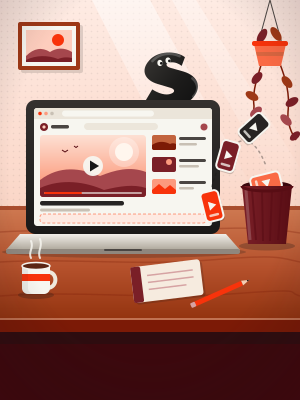
  • Illustration: the Sloppy mascot peeks over a laptop as a shelf of short videos is tossed off a video page into a waste bin.
    A little less distraction
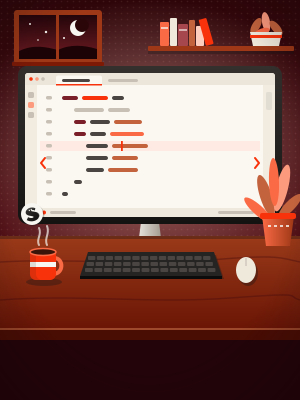
  • Illustration: an evening desk with a wide monitor showing a spacious code editor, a mug of coffee and a plant.
    More room for good work
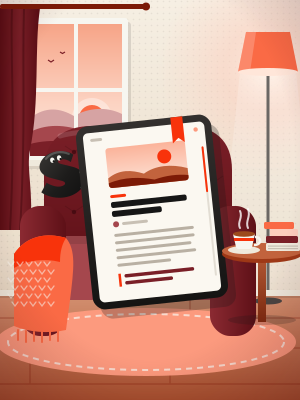
  • Illustration: the Sloppy mascot curls up in an armchair next to a tablet showing a calm, narrow article, with tea and a warm lamp nearby.
    Reading at my own pace
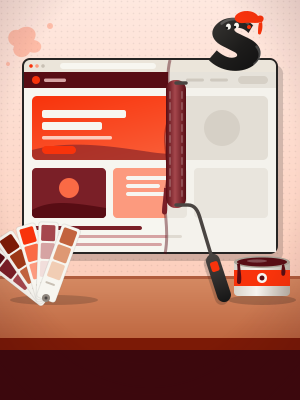
  • Illustration: a paint roller repaints a plain grey web page in wine and orange while the Sloppy mascot looks on, beside paint swatches and a paint can.
    A web that feels like me
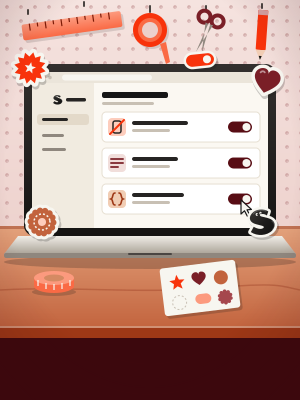
  • Illustration: a laptop showing a Sloppy dashboard with three apps switched on, covered in stickers, in front of a pegboard of craft tools.
    My own browser toolkit
  • Illustration: the Sloppy mascot in sunglasses lounges in a striped deck chair on a sunny balcony, next to a folded-up feed tied with a ribbon and a cold drink.
    Less scrolling. More living.
Make yourself at home and see what a custom app can do

Keep the website.
Change what gets
in your way.

Adjust the details.

A noisy sidebar. Text that’s too small. A button that should exist. You don’t have to use a website exactly as it arrived.

Build something useful.

Sloppy runs small, personal customizations in your browser. Each one is an app you can switch on, switch off, or edit in your own workspace.

About Sloppy

Core features

What a custom
app can do

Short recordings of custom workflows. The site stays; the workflow changes.

These come from the upstream project, not from Sloppy’s included apps. About these recordings

Your web / 01 · LinkedIn

A little more
context.

A custom panel brings company information and a CRM action into a LinkedIn profile, so the context you need stays next to the page.
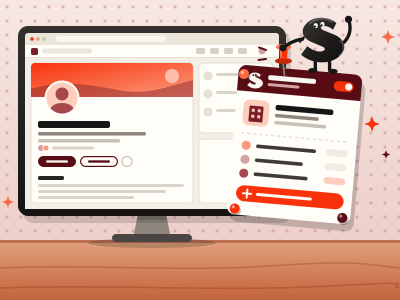
  • A custom panel inside the profile
  • Company information and a CRM action
  • The context you need, next to the page
How custom apps are built
Illustration: the Sloppy mascot stands on a custom side panel and pins it beside a profile page on a desktop monitor. The panel shows company details and an orange action button.
A side panel, pinned on
LinkedIn context Upstream recording · 0:07 · silent

Your web / 02 · Gmail

Less repeating.
More doing.

A custom Gmail action drafts a message from a reusable workflow. Build shortcuts around the tasks you return to every day, and review before you send.
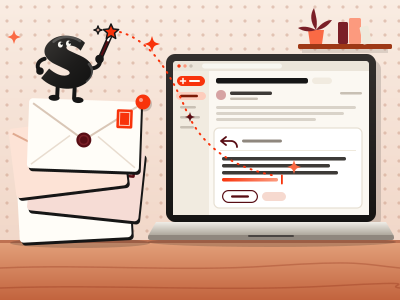
  • A custom action inside Gmail
  • Drafts from a reusable workflow
  • You review before you send
How custom apps are built
Illustration: the Sloppy mascot stands on a pile of envelopes and points a wand at a laptop, where a reply is drafted line by line and the Send button still waits for review.
A draft to review
Gmail shortcuts Upstream recording · 0:08 · silent

Your web / 03 · Google Ads

Your data.
In the right place.

A sheet drives a Google Ads workflow inside the page. Custom apps can connect a familiar site to the data sources and accounts you already use.


  • A spreadsheet drives the workflow
  • It runs inside the Google Ads page
  • Your own data sources and accounts
How custom apps are built
Illustration: the Sloppy mascot leaps between a spreadsheet with one column selected and a card of bar charts, carrying a cell across to become the newest bar.
From sheet to chart
Connected data Upstream recording · 0:07 · silent

Fix the little things

Familiar frustrations, small fixes. Three ready-made apps are in the catalog: install one, then switch it on or off from the dashboard.

  • Wikipedia · Catalog app

    Reading Focus

    Sets a comfortable line length and roomier spacing so articles are easier to read.

  • YouTube · Catalog app

    Hide YouTube Shorts

    Removes the Shorts shelf and keeps the videos and channels you follow.

  • GitHub · Catalog app

    GitHub Comfort

    Sets code in a larger, more readable size so reviews are easier on the eyes.

  • Any website · Your call

    Your next idea

    Describe it to your coding agent in your workspace, and it builds the app.

Sloppy, the S mascot, waving hello

Meet Sloppy

a little change goes a long way

The upstream demo, in 46 seconds
From the project Sloppy grew out of · 0:46 · sound and automatic English captions. About these recordings
  • 03apps in
    the catalog
  • On / Offyour choice,
    for each app
  • Locala workspace
    on your machine
  • Yourssmall changes
    that fit your day
  • Reading FocusWikipedia01
  • Hide YouTube ShortsYouTube02
  • GitHub ComfortGitHub03

Start with a ready-made app from the catalog. When you have a different idea, build it in your own workspace with a coding agent.

How to get started

A peek inside.

  • Preview of the Sloppy dashboard sidebar with sample data: the Apps list with three sample apps, then Catalog and Archive.
    The sidebar, with sample apps
  • Preview of the Logs page in the Sloppy dashboard with sample data: a search box and filters by level and by source.
    Sample logs, by level and source
  • Preview of the Sloppy dashboard with sample data: three sample apps, Focus mode, Reading room and GitHub tidy, each with its own on switch and Archive and Uninstall actions.
    Sample apps, each with a switch

Previews of the Sloppy dashboard, with sample data.

Your workspace

Small apps.
Big difference.

A one-off change can become a reusable app. This recording shows a saved app returning to a LinkedIn page.

To build your ownStart your coding agent, like Claude or Codex, in ~/.sloppy and describe the change.

Upstream recording · 0:06 · silent

These recordings come from the upstream project Sloppy grew out of, so the interface and apps you see differ from Sloppy’s included apps. Read the documentation.

Pricing

Start small.
Plans are coming

Nothing is charged today and the developer build is free. These are the planned monthly subscriptions.

Starter

Planned

The included apps and local development tools.

€10per month

  • Three included apps
  • Turn each app on or off
  • Local workspace
  • Bring your own coding agent

Pro

Planned

Workspace and versioning tools for heavier use.

€30per month

  • Everything in Plus
  • Multiple workspaces
  • App version history
  • Priority support

Prices in EUR before tax. Your AI provider bills its own subscription and usage separately.

For builders

Got a workflow
in mind?

Building something, or just curious? Tell us what you need.

Tell us what you need

Describe the website and the change you have in mind.

FAQ

Good to
know

What is Sloppy for?

Sloppy runs small customizations on websites you already use. Change a layout, remove a distraction, or add a useful feature. Reading Focus, Hide YouTube Shorts, and GitHub Comfort are included so you have somewhere to start.

Can I install it from the Chrome Web Store?

Not yet. The next release is in testing, and downloads are paused until its security and browser checks are done. See the release status.

What does the local companion do?

The companion connects the extension to your local workspace and coding agent. Setup currently needs Bun and access to the private Sloppy repository; a one-click installer isn’t available yet. Read the notes for developers.

Do I need an AI subscription?

The included apps don’t need one. If you want a coding agent to build custom apps, use your own agent and provider account. Their charges are separate from Sloppy.

Where does my data go?

The developer build keeps apps and workspace settings on your machine. What an app can access depends on its permissions and the sites you enable it on. Cloud sync isn’t available on this deployment yet. Read the privacy policy.


Stick it on.

decorate the laptop

Download the logo sticker
Sloppy starOn switchPuzzle pieceSloppy logoCurly bracesHeartSloppy mug

Drag a sticker, or tap it and then tap where it should go. With a keyboard, Tab to one and use the arrow keys.

The next release
is in testing

Sloppy is a Chrome extension with a local companion. Downloads are paused until its security and browser checks are done.

Get Sloppy